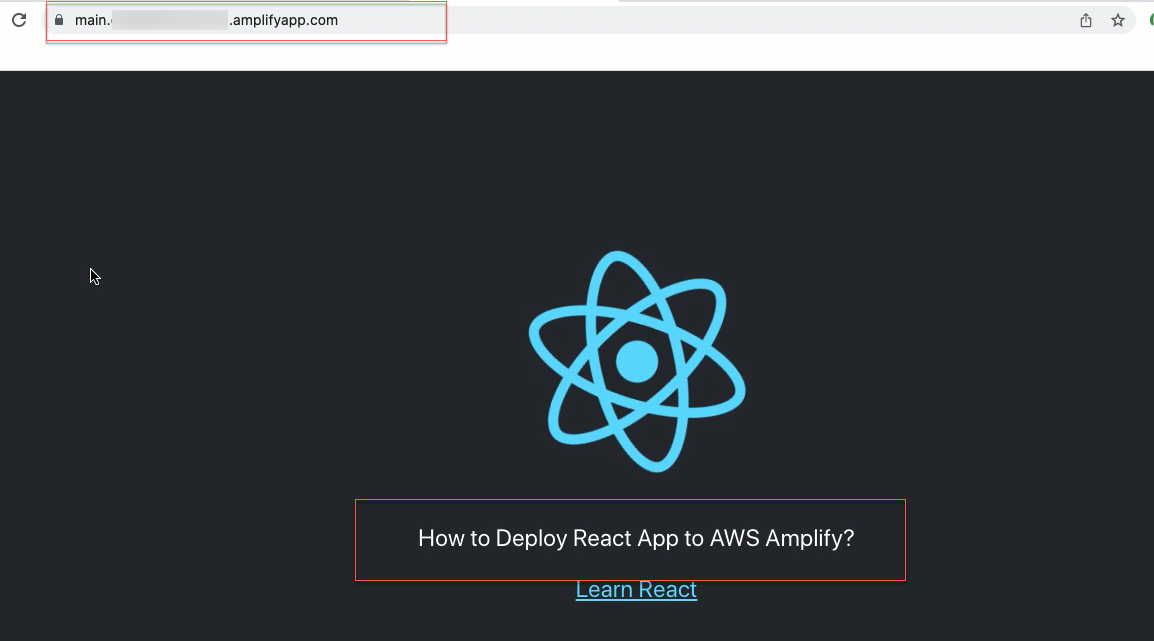
Deploy a React app to AWS Amplify
Deploy your React app with AWS Amplify
-
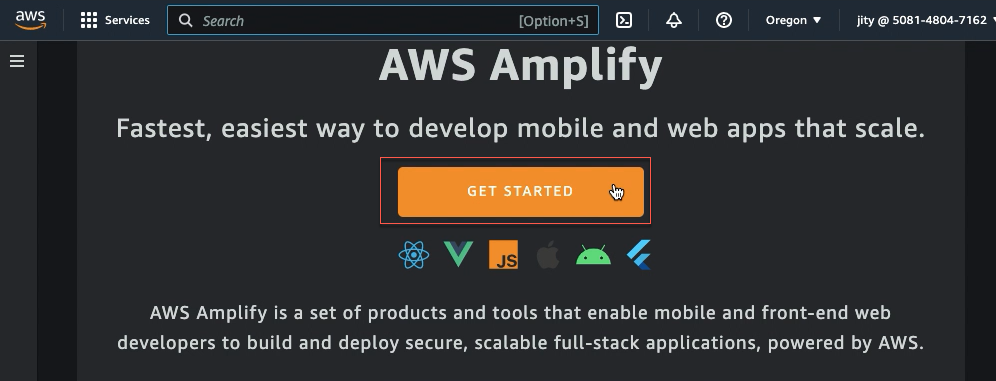
Go to the AWS Amplify console, click on the Get started.
-
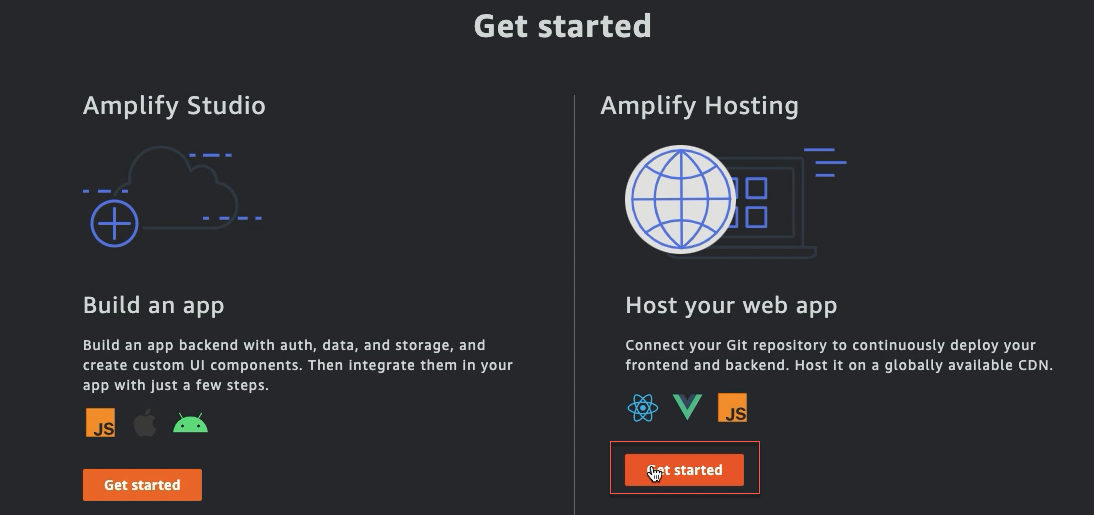
Choose Get started Amplify Hosting.
-
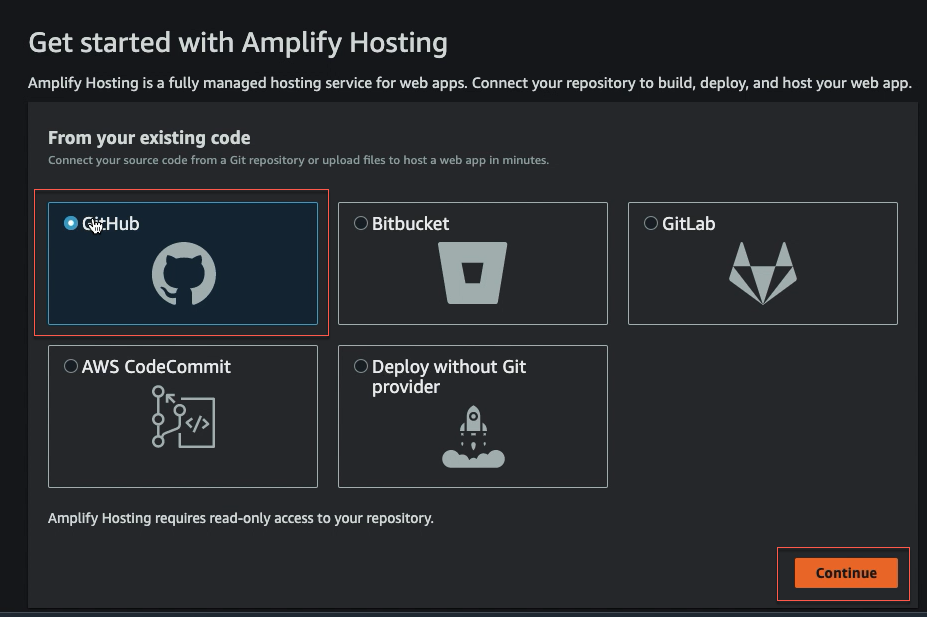
Choose GitHub and click Continue.
-
Click Installing & Authorizing
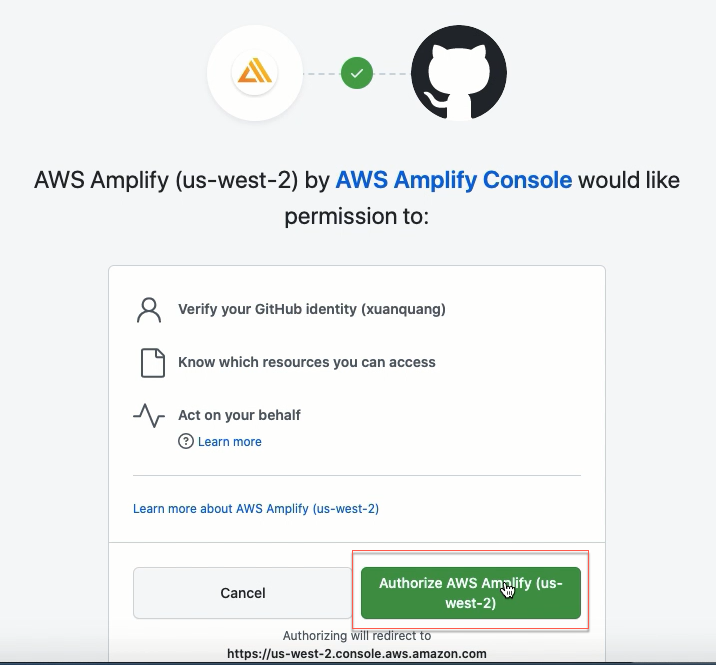
-
Click Authorize…
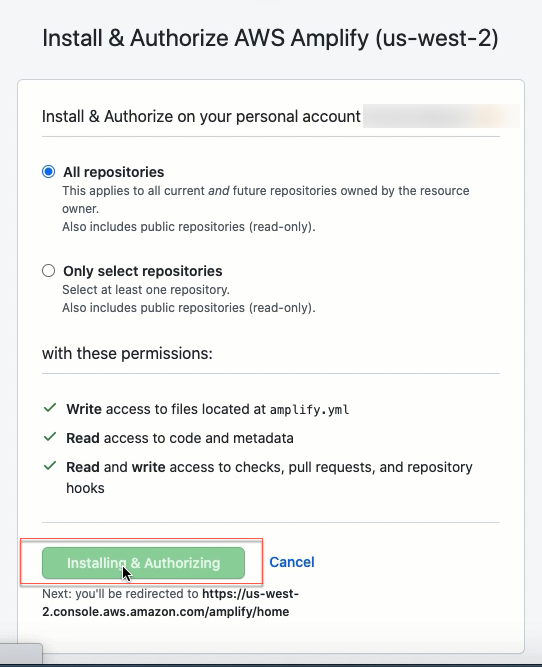
-
Enter your GitHub password or authentication code now.
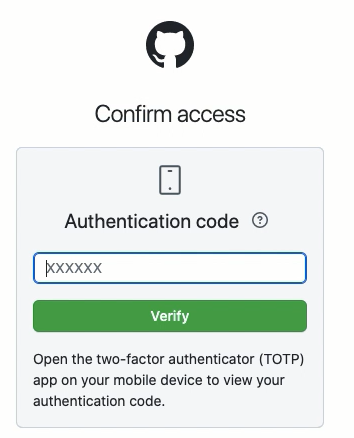
-
Choose the repository and main branch you created earlier, then select Next.
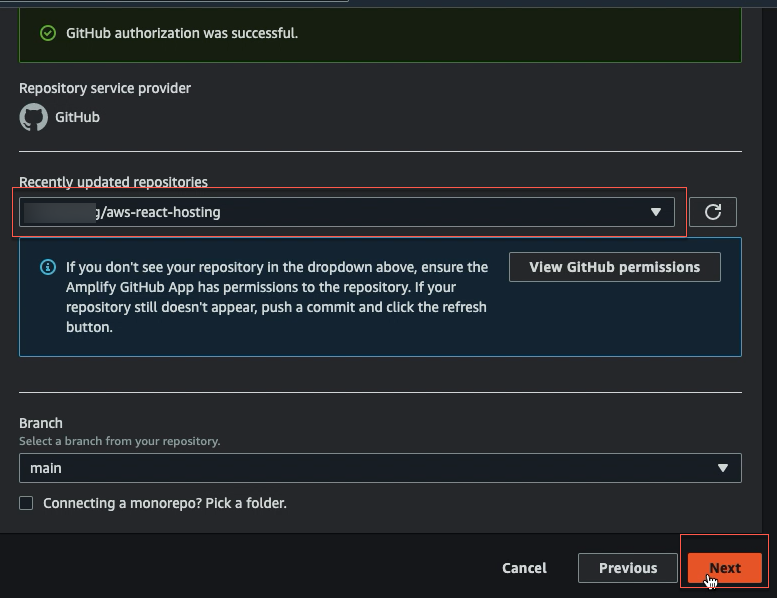
-
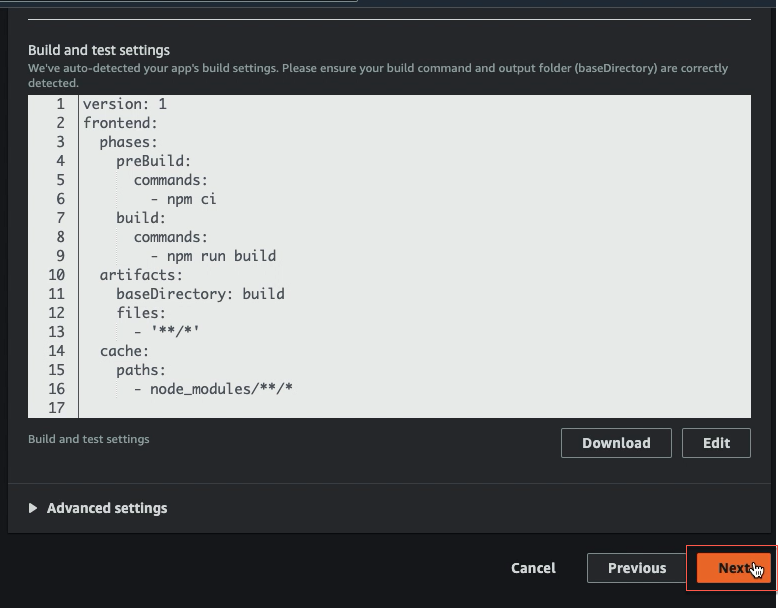
Accept the default build settings and select Next.
-
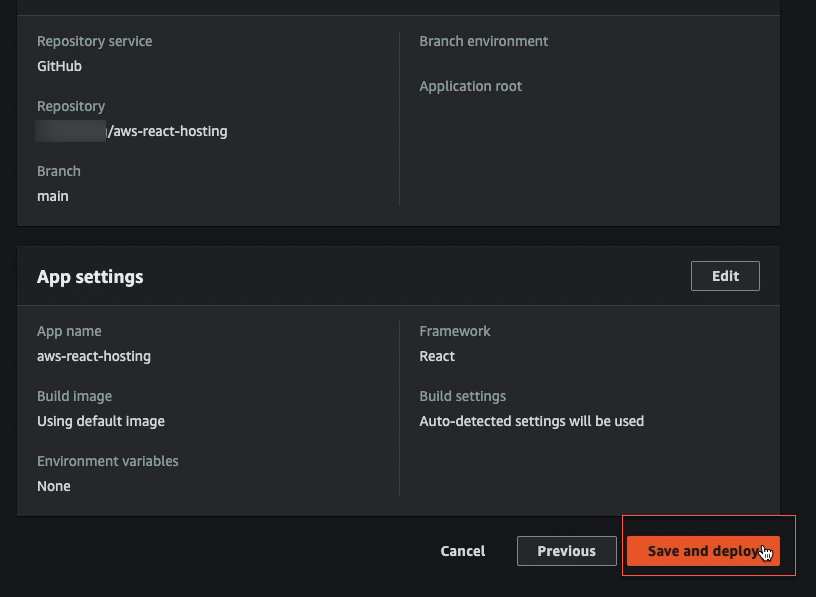
Review the final details and choose Save and deploy.
-
AWS Amplify will now build your source code and deploy your app at https://...amplifyapp.com.
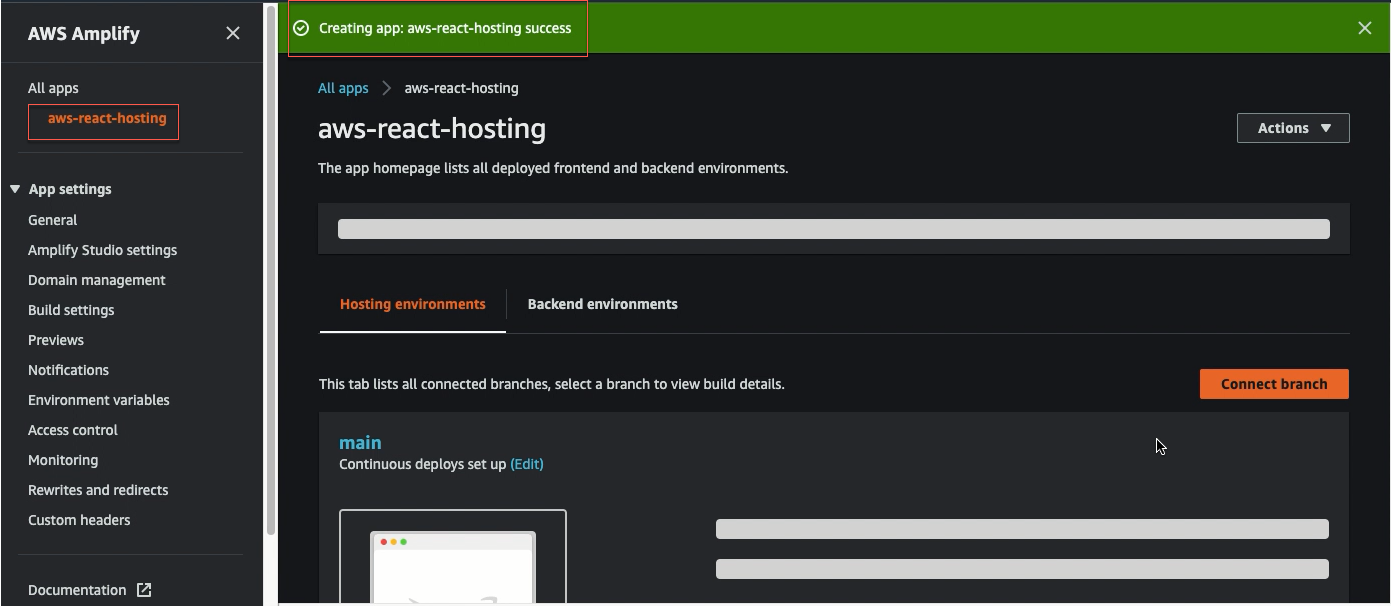
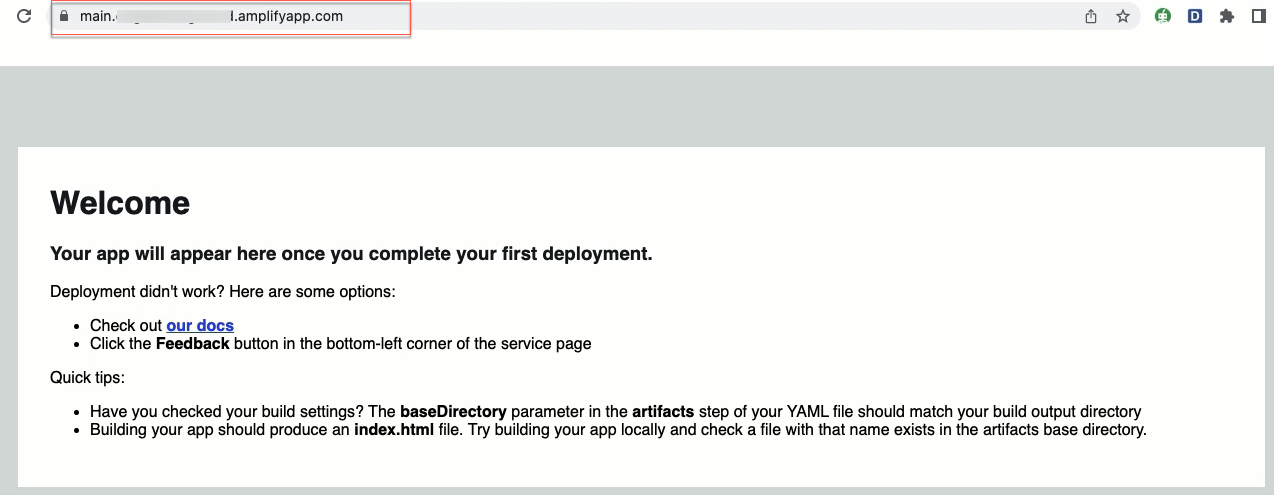
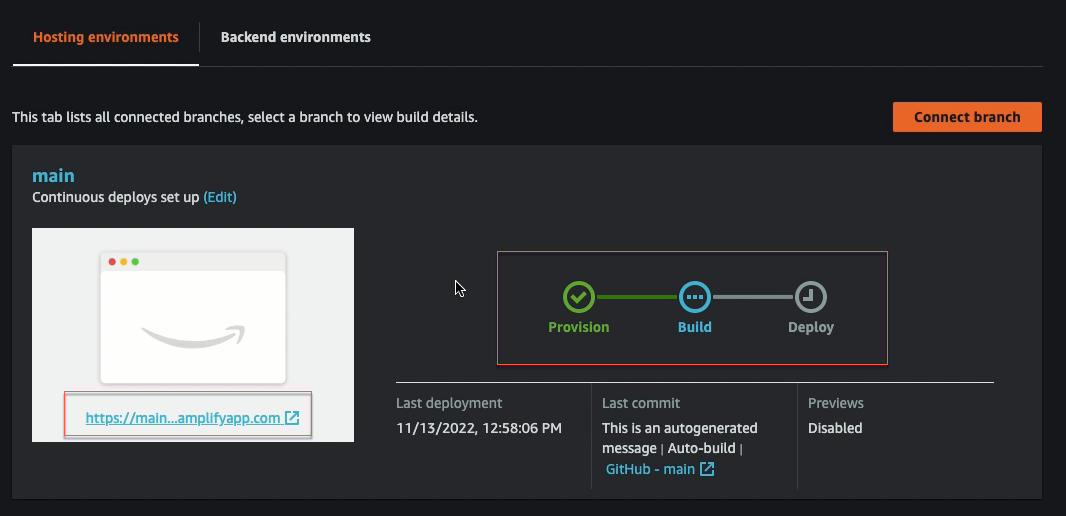 11. When the build is not finished, select the thumbnail to see your web app as displayed in the image below.
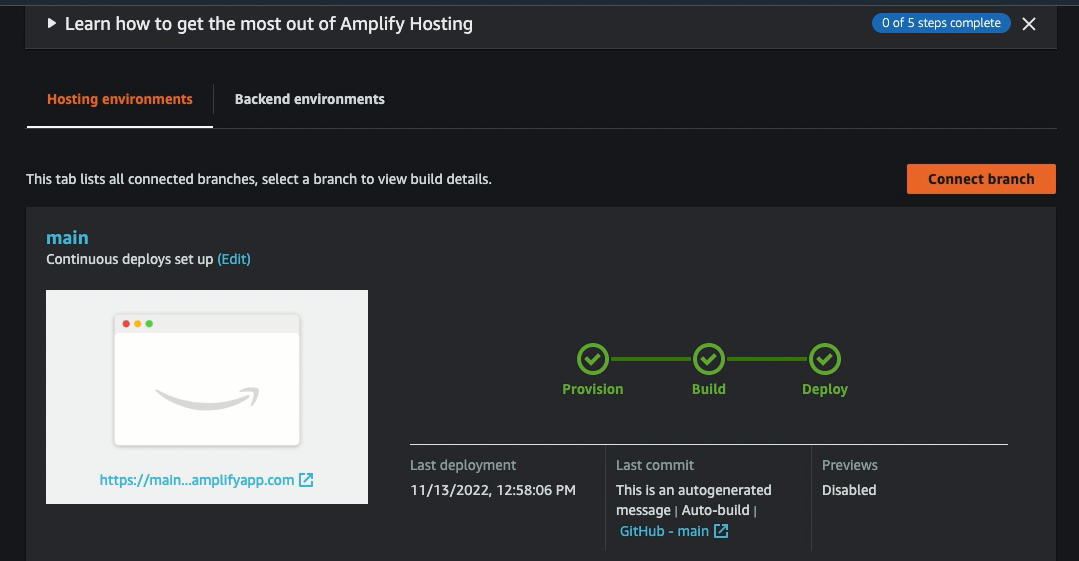
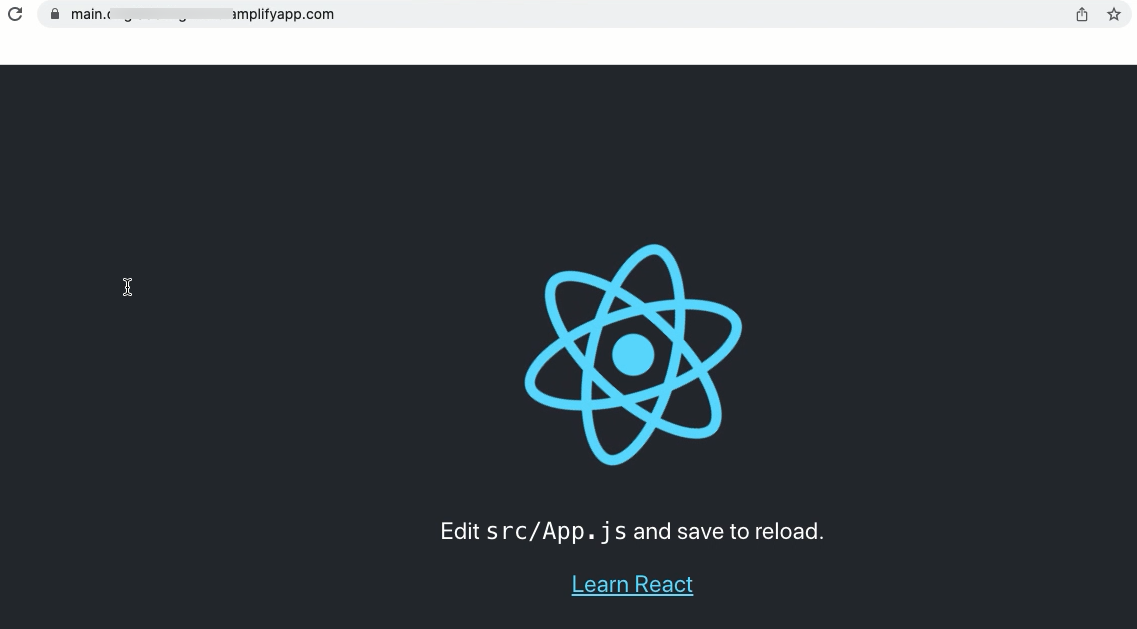
 12. Once the build completes, click on the URL to see our web app up and running live. To share the URL and then everyone will see this app.
Automatically deploy code changes
Next, we’ll make some changes to the app’s text and see if it automatically tries to deploy the change based on the changes we made.
-
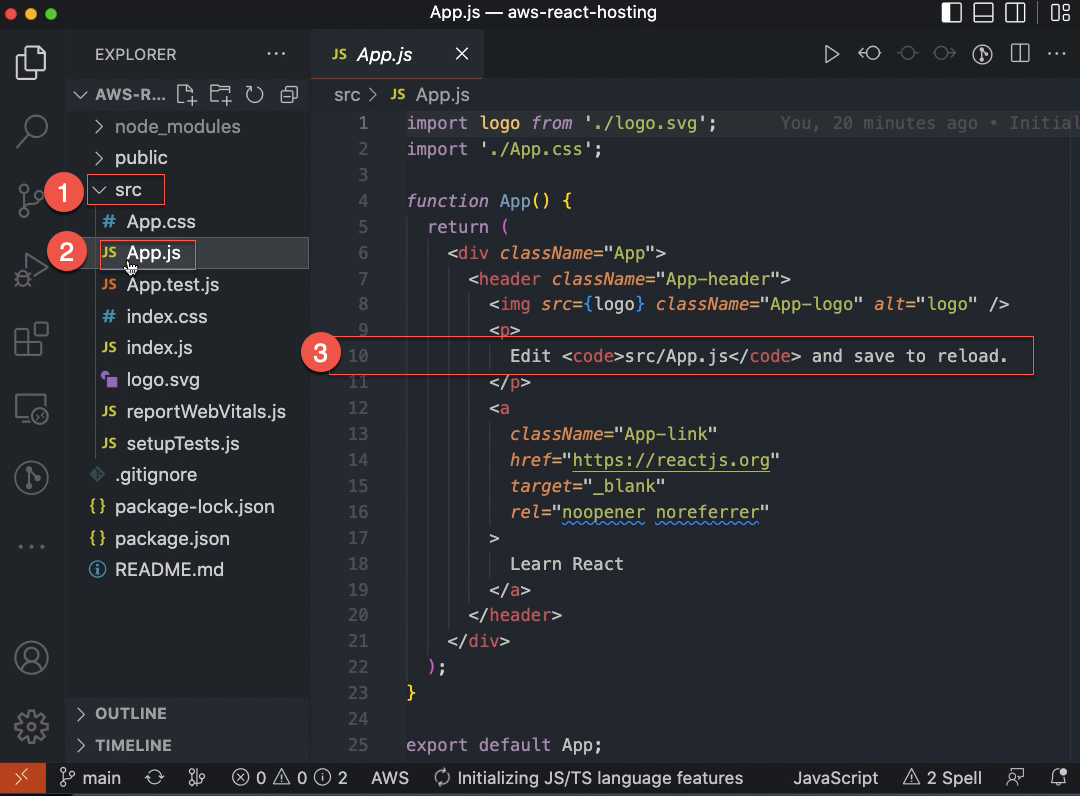
Open up this source folder and look for the App.js file.
-
Let us simply adjust this to
How to Deploy React App to AWS Amplify?at line 10.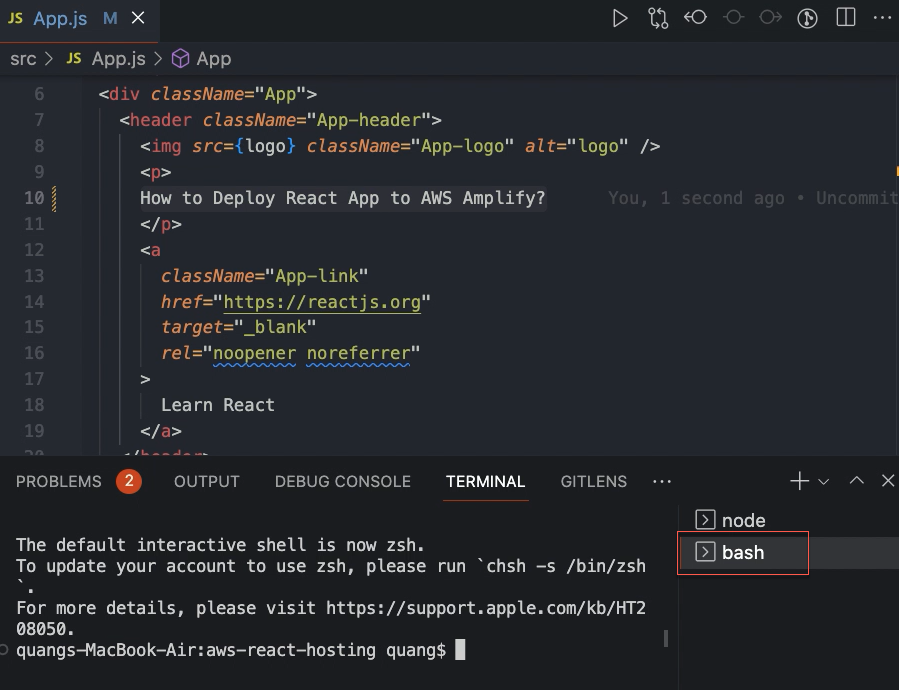 Save it and check with our local host. It has changed.
 -
Now we want to push the changes to our Github repo.
git add .
git commit -m "updated text"
git push origin main
So the changes have been pushed to the Github repository. Then we see Amplify automatically start a new build.
- Go to the Amplify console, you’ll observe that it automatically starts a new build:
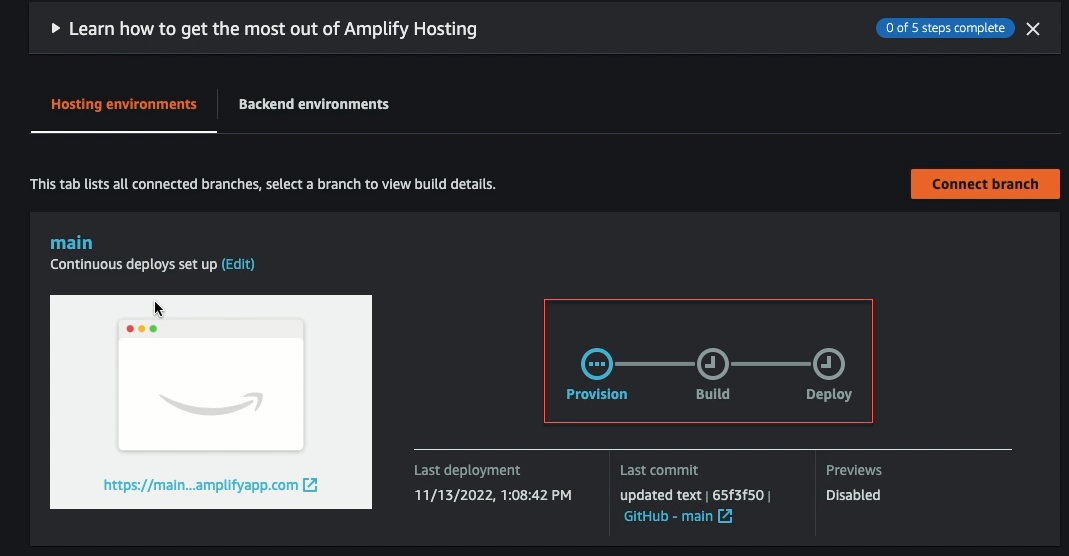 When the build is finished, click the URL to see our updated app.